How to do a restaurant inventory count
- Count at the same time every week, ideally before opening or after close, so nothing is moving.
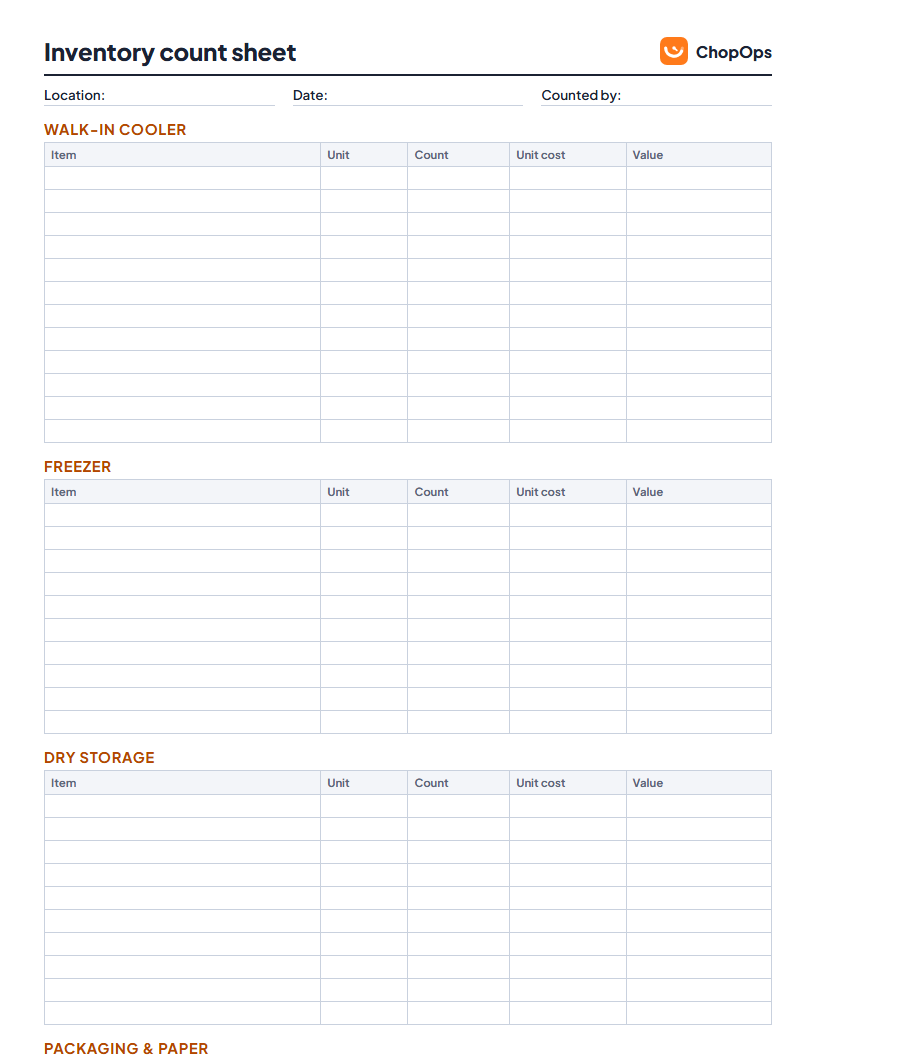
- Walk the same route every time: walk-in, freezer, dry storage, then packaging. The sheet is laid out in that order.
- Count in the unit you buy in. If you buy chicken by the 40 lb case, count 3.5 cases, not 140 lb.
- Use the latest invoice price for unit cost, so your inventory value is current.
- Add it up. Count × unit cost = value. The Excel version does this for you, by area and in total.
What to do with your count
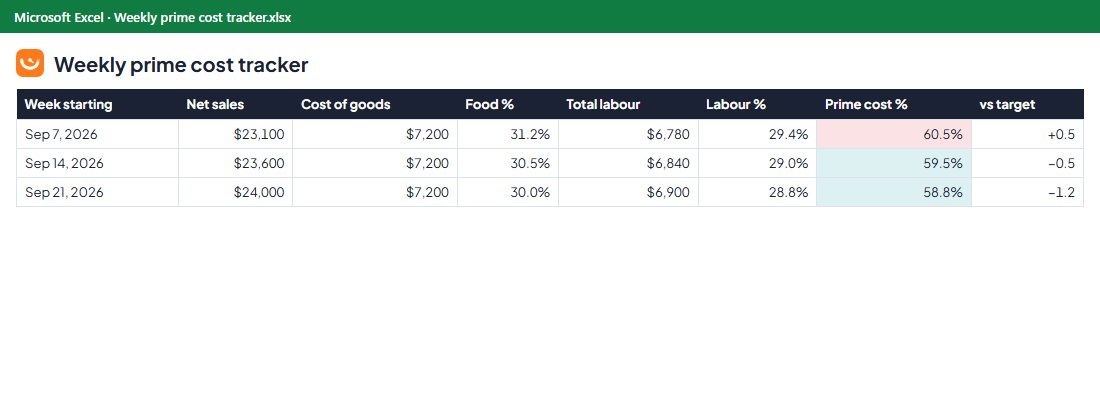
Your closing inventory value is what turns purchases into a real food cost: cost of goods = opening inventory + purchases − closing inventory. Compare it with sales each week, or plug it into the prime cost calculator. Counting also shows you waste and theft that purchases alone can hide.
Frequently asked questions
How often should a restaurant count inventory?
Weekly for most quick service restaurants. Many owners also count their top 10 items (proteins, fries, oil) daily or every delivery day.
Should I count opened packages?
Yes. Count them as a fraction of the unit you buy in, for example 0.5 of a case or bag. Being consistent matters more than being exact to the ounce.
Can I add my own items to the template?
Yes. The PDF has blank rows to write in. In the Excel version, replace the example items with yours and pick the area from the drop-down so the totals work.